Internal tools
Manage requests, approvals, jobs, and handoffs without passing the same spreadsheet from person to person.
Software development
Tools that fit the way you work.
Have a process that takes too many steps, or an idea your current software can't handle? We design and build applications around your team, your requirements, and the people who will use them.
What we can build
Sometimes you need one task to be easier. Sometimes you need several parts of your organization to work together. We can help with both.
Manage requests, approvals, jobs, and handoffs without passing the same spreadsheet from person to person.
Give people a place to sign in, update information, submit a request, or see what's happening with their account.
Coordinate rooms, equipment, appointments, or activities, with rules that reflect how your organization actually operates.
Keep the information your team needs in one place, and build reports that answer your questions instead of creating more work.
Bring your website, existing software, and supported services together. We'll check what each connection can do before promising it.
Create forms for people in the field, practical tablet interfaces, or a touchscreen welcome station. The setting helps shape the design.
One example of our work
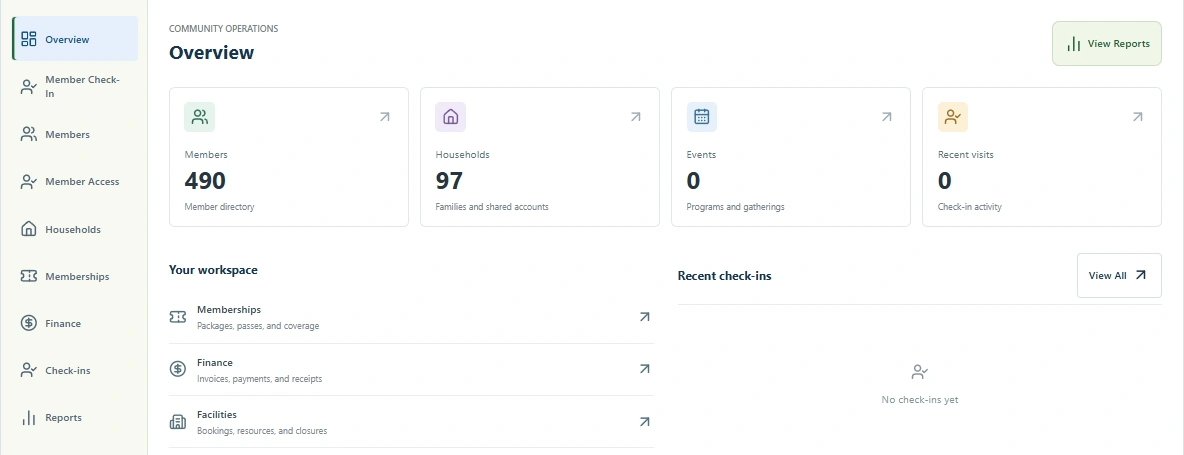
InGenuity Community brings membership records, programs, shared spaces, and visitor tools into one platform. Lakehills Community Center has its own branded version, including a member portal on its website. It's one example of how we turn an organization's needs into connected software, not a limit on what we can build.
A place for staff to keep the day in view. This current Lakehills overview shows aggregate counts only, with the signed-in identity and personal records outside the capture.
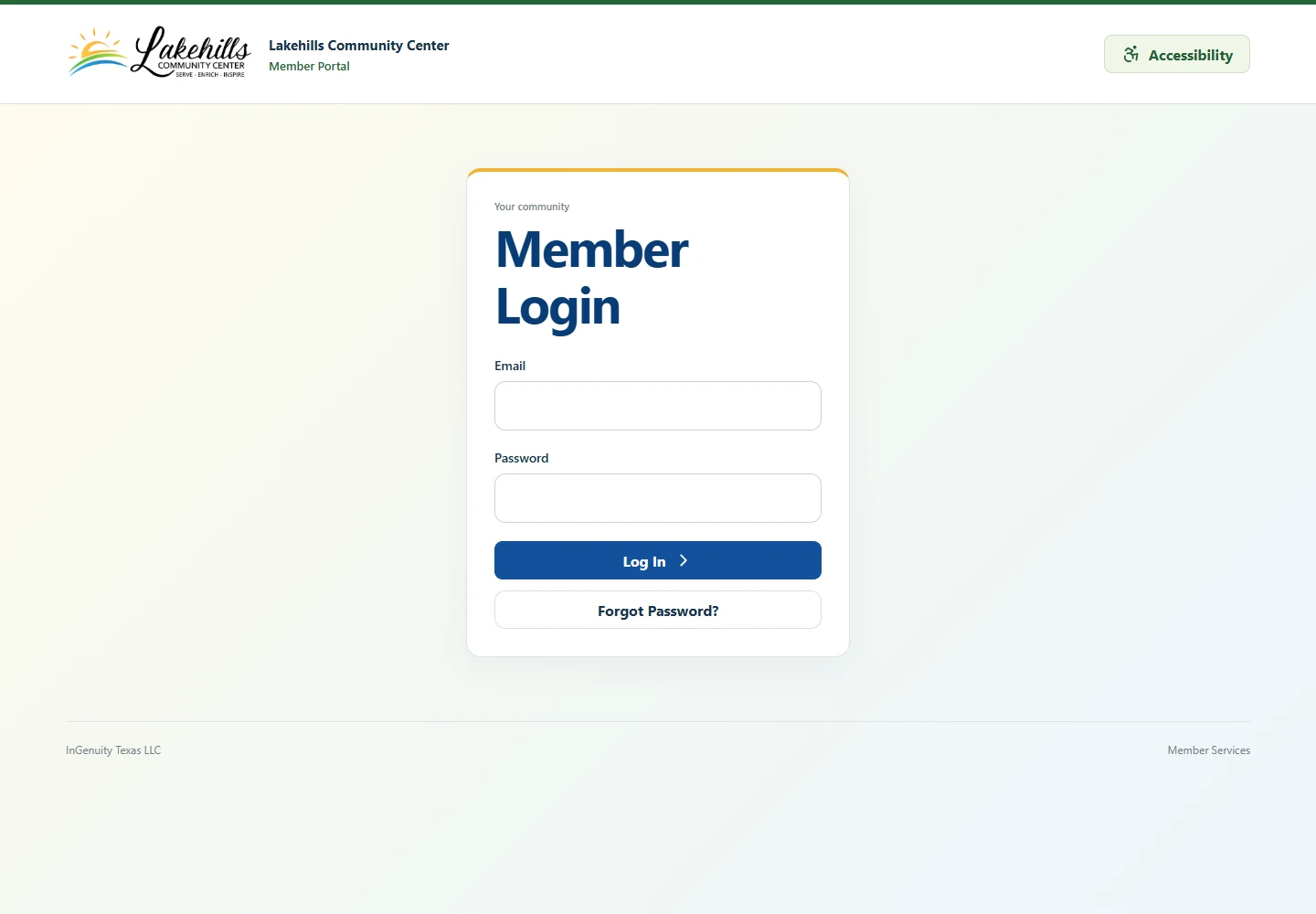
A member portal that belongs to the center's website. This is the live public sign-in screen; no account or member details are displayed.
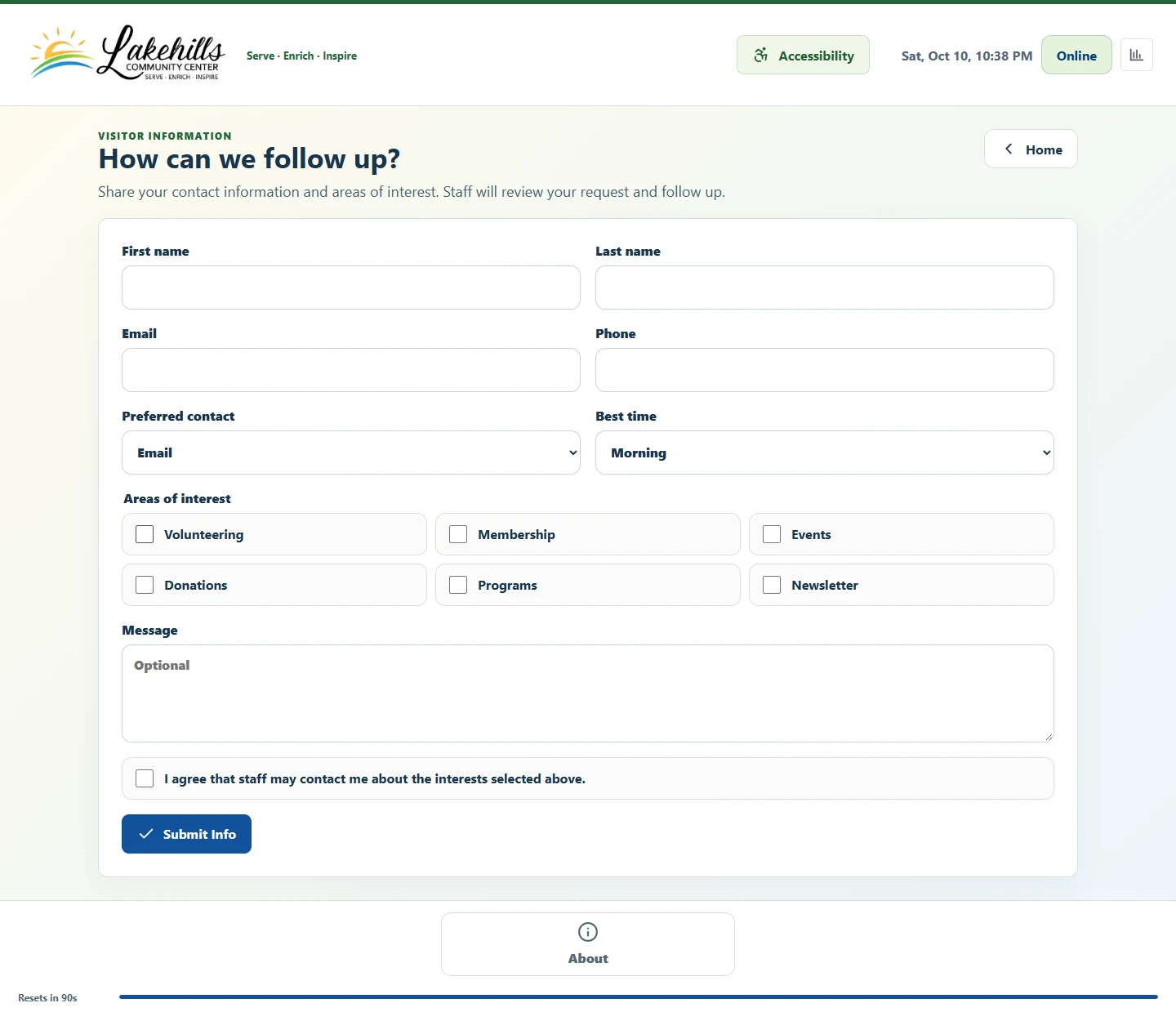
Ask the right questions up front, including interests and permission to follow up. The form is empty; no visitor information is shown or submitted.
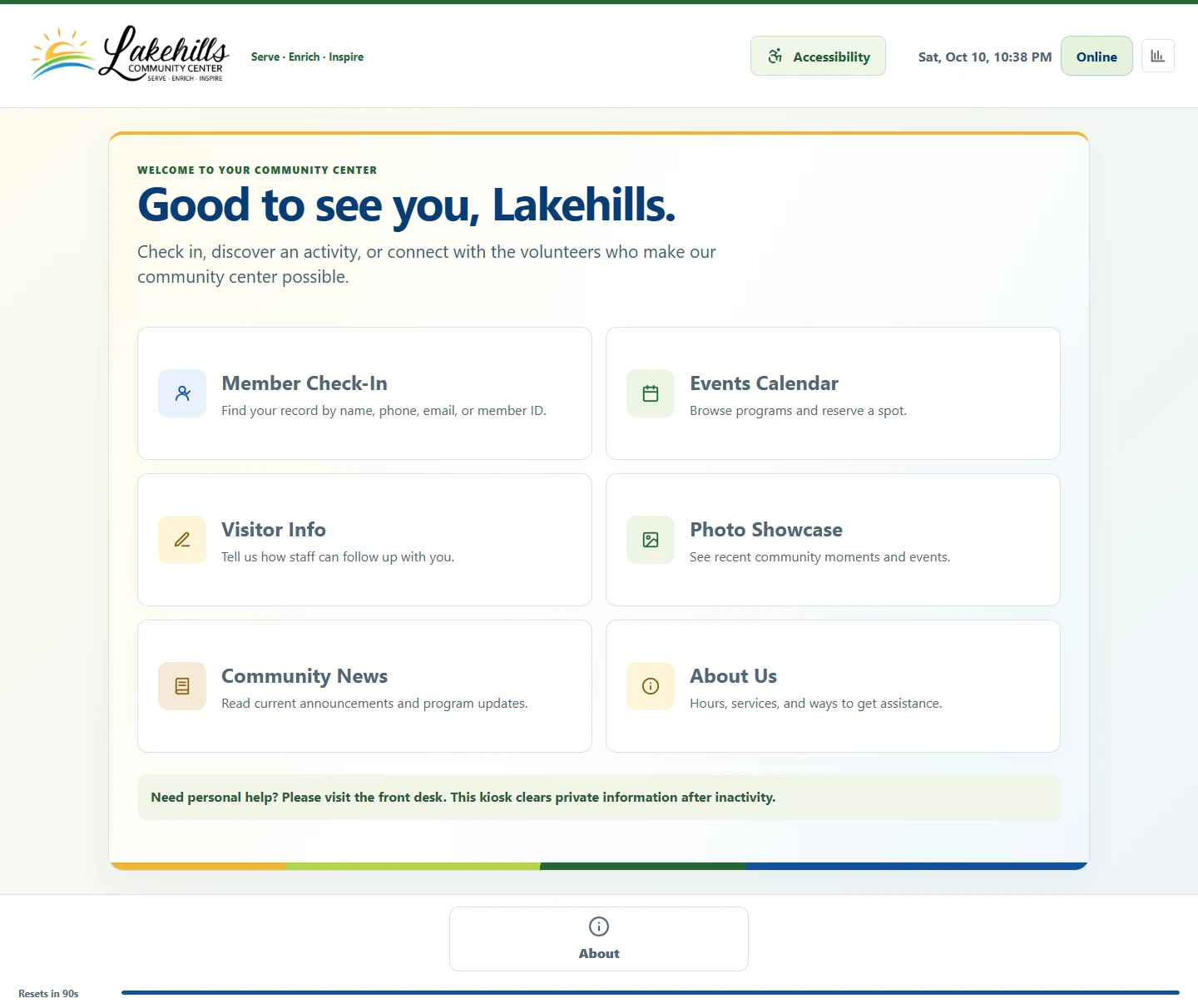
A familiar welcome, shaped around Lakehills' own identity. The front-desk screen is one part of the wider application.
The demo uses fictional records. The screenshots above show current Lakehills interfaces without personal details.
How we'll work together
You don't need a finished technical plan to get started. Bring the idea, the awkward process, or the thing your team keeps wishing its software could do.
We'll talk with the people doing the job, agree on the requirements, and identify what needs to connect, what should stay private, and what success looks like.
See how the key screens and tasks will work before the project goes too far. Your feedback helps us catch the details a written specification can miss.
Develop in agreed stages, check permissions and data handling, and test the tasks that matter to your team. Scope, timing, and costs stay part of the conversation.
Plan the rollout, help people get comfortable, and agree on maintenance and support. Start with what you need now, with room for sensible improvements later.
Tell us what you have in mind
A better approval process, a useful dashboard, a client portal, or something we've never built before. Let's talk about what it needs to do and whether custom development is the right fit.
 View more of our work